









Video Tutorials > How to add a Hot Key
Learn how to set up your hot keys.
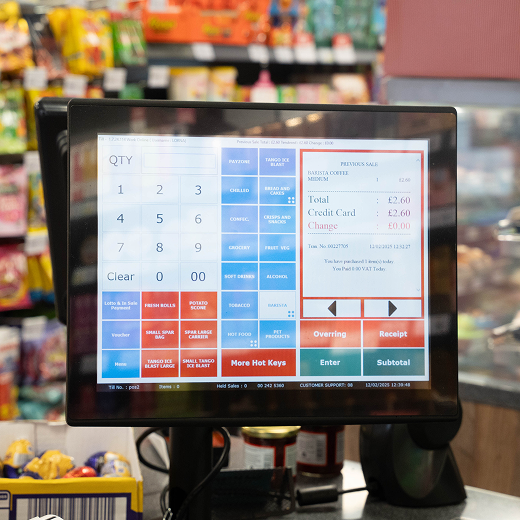
In this tutorial, Priyansha from MHouse walks you through the simple steps of creating hot keys on your MPOS system. Hot keys are quick-access buttons that help you speed up transactions by linking directly to frequently sold products.
You’ll learn how to:
Identify and assign hot keys on your till screen
Set up and configure hot keys in the back office
Sync and activate your new hot key for instant use

